Scott's Modern Tech
WGWK 4K CMOS POE Digital Live Stream Camera 3/4/5/8MP HD Security Protection Webcam Industrial 2.1/5-100mm Manual Varifocal Lens
WGWK 4K CMOS POE Digital Live Stream Camera 3/4/5/8MP HD Security Protection Webcam Industrial 2.1/5-100mm Manual Varifocal Lens
Couldn't load pickup availability
SPECIFICATIONS
APP: XMEye
Applicable Scenarios: Indoor and Outdoor
Brand Name: WGWK
Built-in Memory Size: Non
Camera Stabilization: None
Certification: CE,FCC,RoHS
Compression Format: H.265+, H.264, H.265
Connection Method: Network Monitoring - Wired
Feature 1: Face Detection
Feature 2: Human Detection
High Definition Support: 1080P
Memory Card Type: None
Model Number: HD Digital
Package: Yes
Power: Support POE Power Supply
Sensor Technology: CMOS
Support: SDK
Type: Mini
【New Product Launch】IP Network Camera, click the image for direct access to the purchase channel ▶

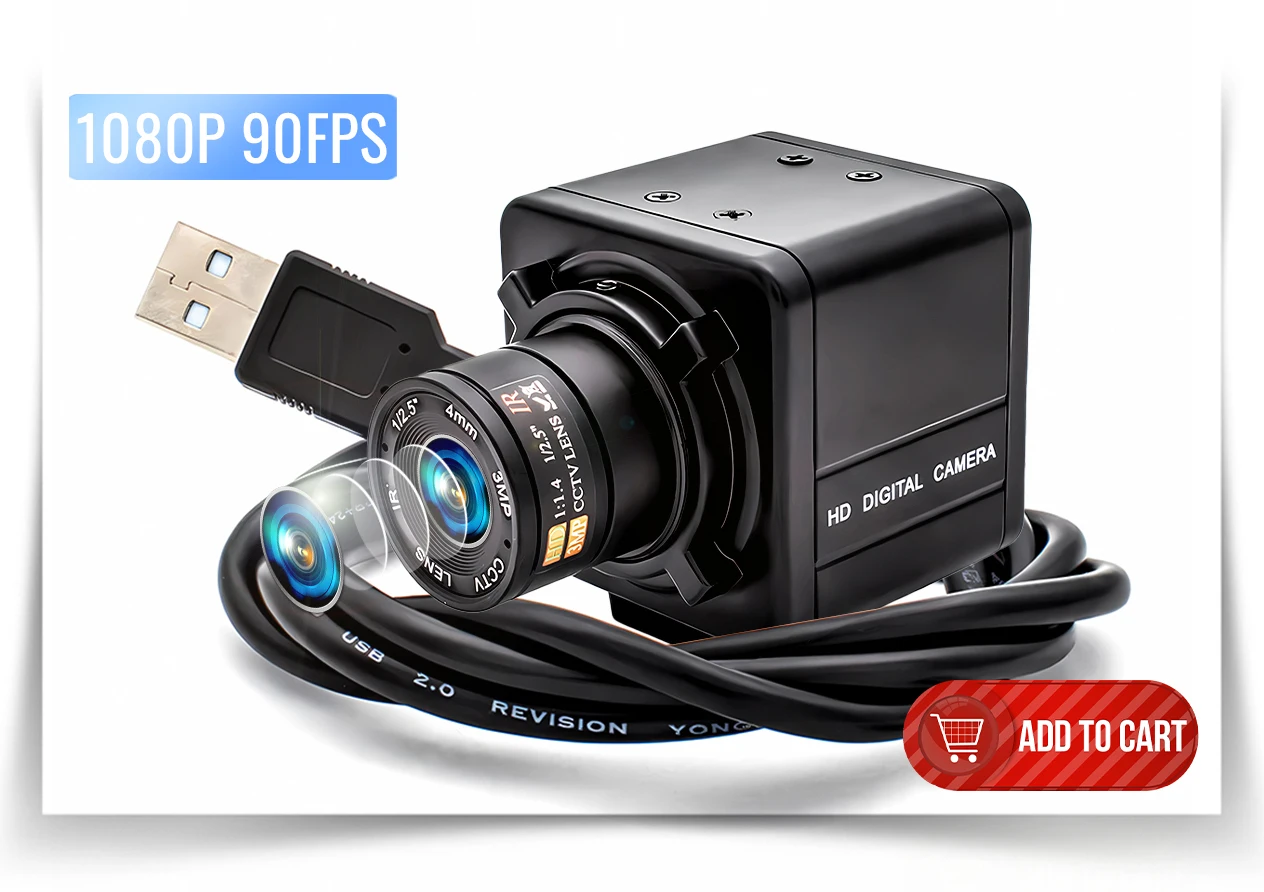
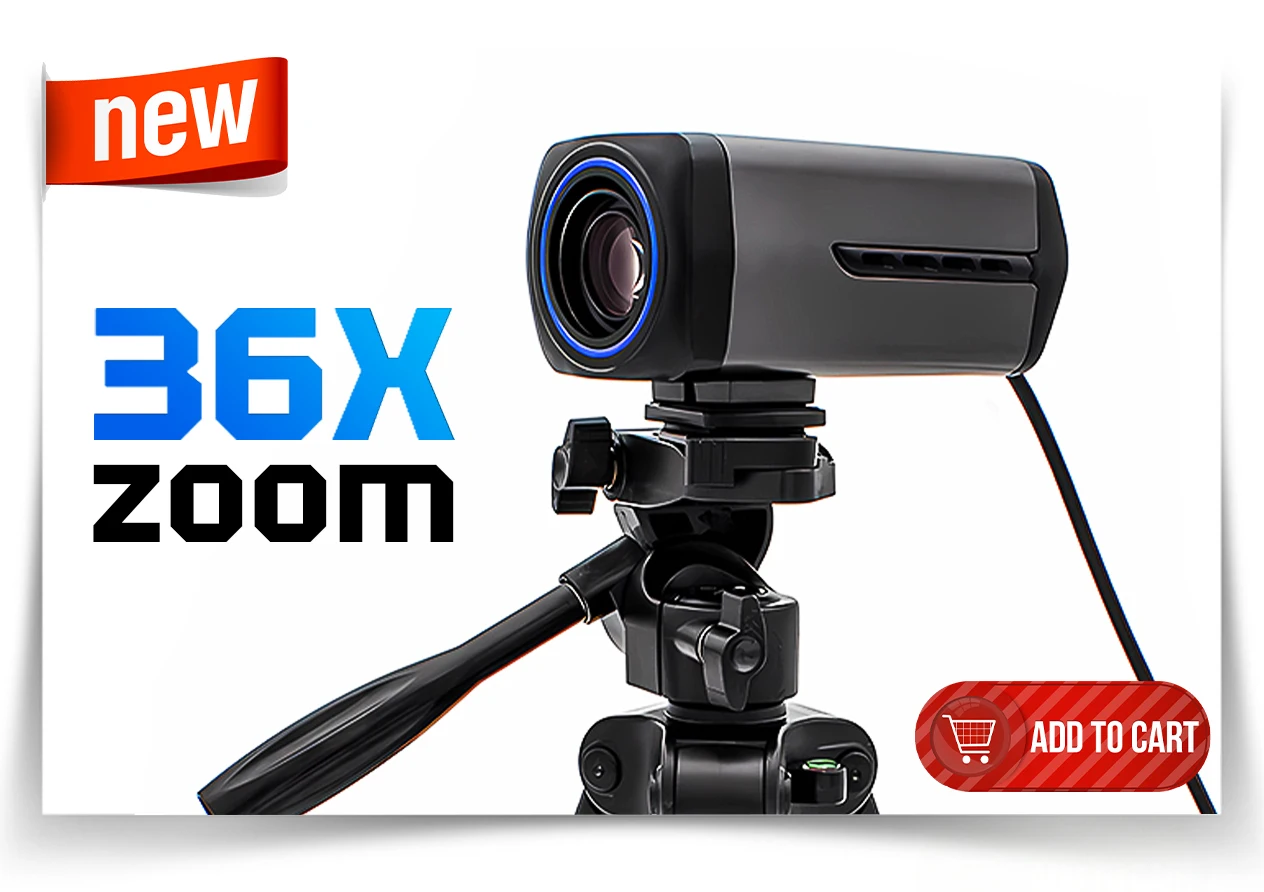
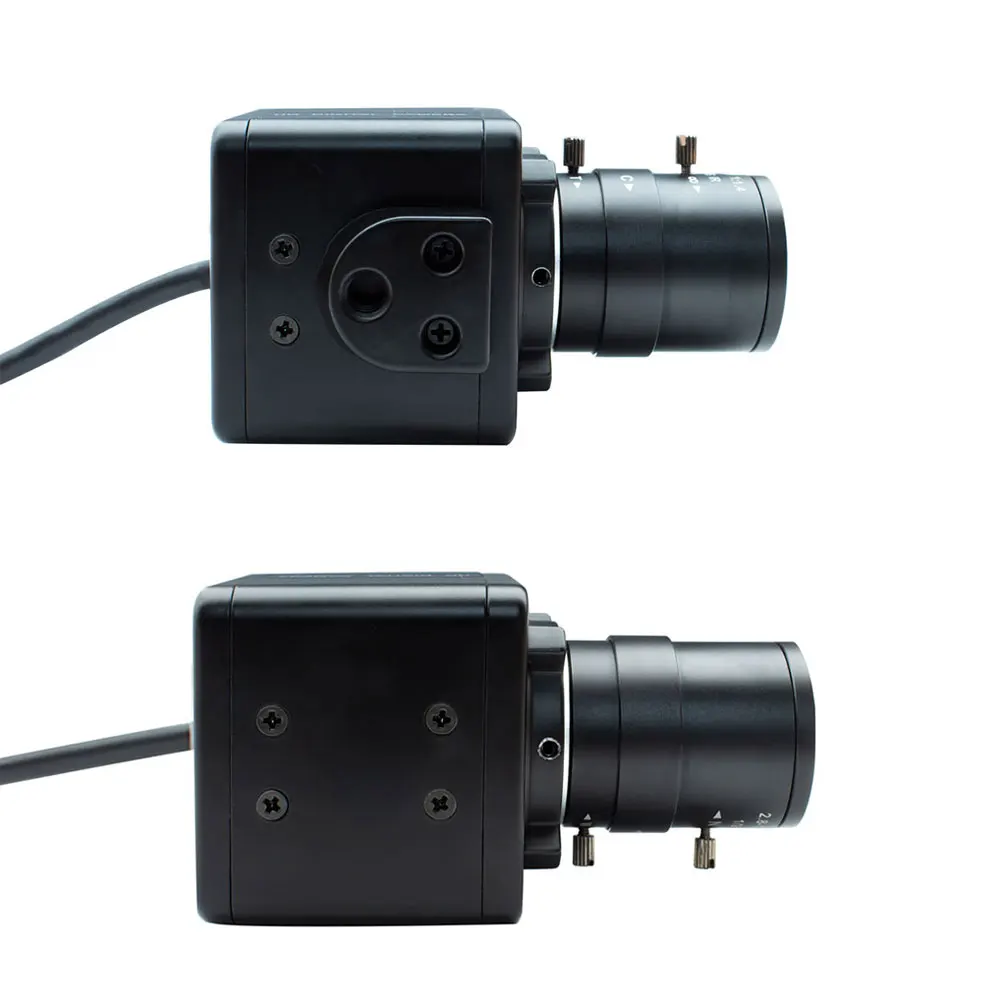
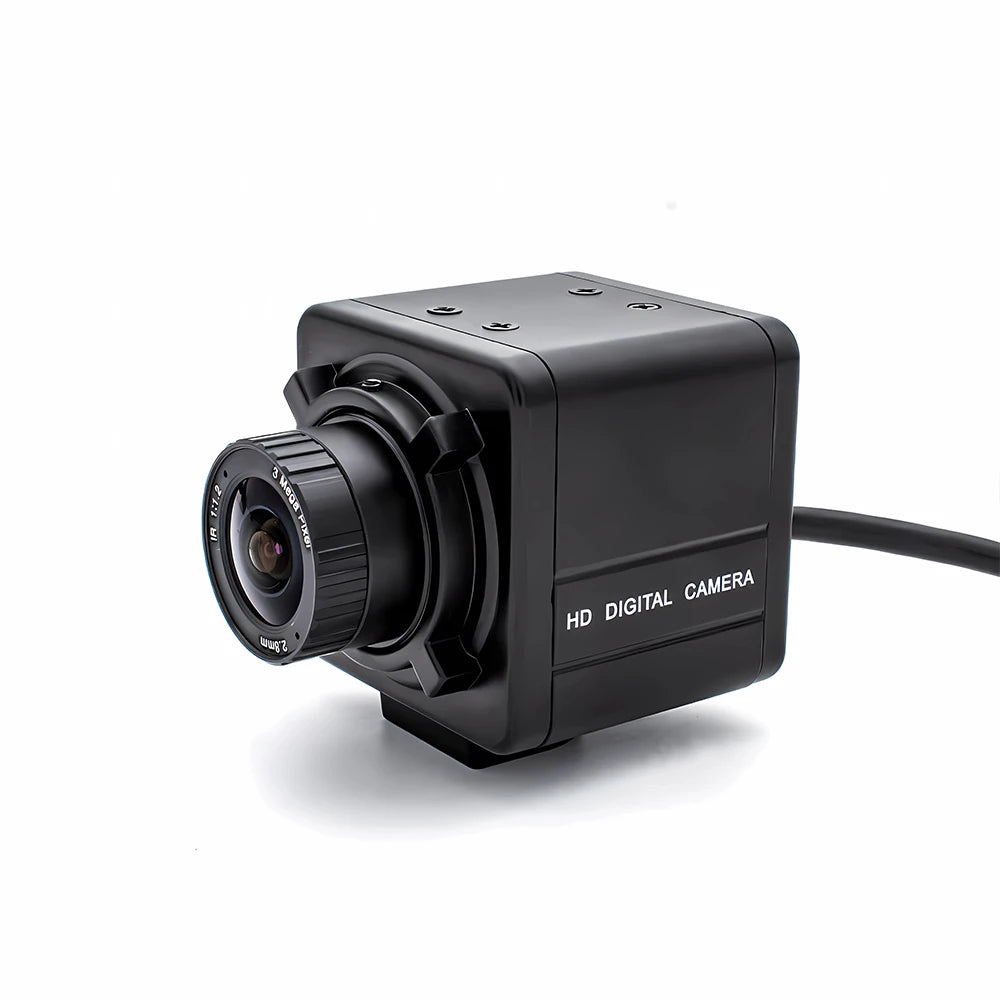
Enhance the flexibility and efficiency of your industrial applications by choosing our customizable industrial cameras! Whether it's the housing design, cable length, lens specifications, or special features, this camera can provide you with tailored solutions. Note: The 10x zoom defaults to 6-60mm CS Mount lens
You can contact customer service to select the Lens you want, such as CS Mount Lens, M12 Mount Lens
CS Lens option: 2.8mm,4mm,6mm,8mm,12mm,16mm,25mm,2.8-12mm,3.6-10mm,5-50mm,6-60mm,5-100mm

WGWK 4K CMOS POE Digital Live Stream Camera 3/4/5/8MP HD Security Protection Webcam Industrial 2.8/5-100mm Manual Varifocal Lens

Note: Supports replacement of filters of other specifications. Available models include Narrowband 650nm/740nm/780nm/808nm/850nm/905nm/940nm/980nm, 700nm long wave pass, Infrared 650nm/850nm/940nm
If you need it, please contact customer service in time!

Contact customer service to change the color of the camera housing (Red/Blue)
And get a free camera stand when you purchase two or more


Lens interface: CS
Exposure: manual
Color:Black
Material:Metal
Lens: 2.1mm, 2.8mm, 2.5mm, 2.8-12mm, 4mm, 5mm, 6mm, 5-50mm, 6-60mm, 5-100mm


-3/4/5/8MP high-definition resolution, low illumination, clear and delicate images;
-Supports 2D/3D noise reduction and digital wide dynamic function;
-Advanced H.265+(compatible with H.265/H.264) video compression technology, ultra-low bit rate, high-definition image quality;
-Supports ONVIF protocol and can access third-party backend/platforms;
-Support mobile monitoring (iOS, Android);
-Support multiple cloud technologies, achieve network penetration, front-end and back-end docking, and push alarm information to mobile phones and other functions;


Why H.265?
H.265 is a new video coding standard that delivers higher-quality network video with limited bandwidth, requiring only half the original bandwidth to play the same quality video.

|
Model |
3/4/5/8MP Network camera |
|
|
System |
Embedded RTOS design, dual core 32DSP(Hi3516EV300)solid compression watchdog |
|
|
Video Processing |
H.265AI/H.265+(Compatible with / H.264)coding, dual bitstream AVI format;bitstream 0.1M-10Mpbs adjustable:frame rate 1~30f/s variable / second adjustable |
|
|
Image output |
Main stream: 8MP 3840*2160@15fps; 5MP 2880*1616@25fps;4MP 2560*1440@25fps;3MP 2304*1296@25fps;2MP 1920*1080@25fps; |
|
|
Lens |
CS Mount Lens:2.8mm,4mm,6mm,8mm,2.8-12mm,5-50mm,6-60mm,5-100mm(option) |
|
|
Noise reduction |
Support 2D/3D |
|
|
Wide dynamic |
Support Digital Width Dynamics |
|
|
Alarm Trigger |
Motion Detection,Face Detection |
|
|
Protocols |
RTSP/FTP/PPPOE/DDNS/DHCP/NTP/UPNP |
|
|
Transmission |
P2P penetrate automatic forwarding |
|
|
Network interface |
1*RJ45 network interface,10/100m adaptive |
|
|
Mobile Monitoring |
Support Android,iPhone IOS |
|
|
Power supply |
Power DC12V/2A,Support for POE power supply(optional) |
|


About computer operation and use
Make sure the camera is connected to the power supply and network
(the signal light flashes to prove that everything is normal)

Step 1 : Install VMS
VMS Computer Client: https://download.xm030.cn/d/MDAwMDE2OTA=
Step 2: Login VMS
UserName: admin,Password:admin

Step 3: Find your camera and add


APP download: Search XMEye in Apple Store